

How to Buy Cryptocurrency with Altcoins.bg?
In this guide, we’ll walk you through the process of placing an order on Altcoins.bg.
Start Here
From the top menus, select Buy Crypto/Quick Order.

Select Currency and Specify Purchase Amount
Choose your desired amount and select the currency.

When entering the details, input the amount in EUR in the top field, and the exact number of coins will appear in the bottom field. Whichever field you fill, the other will automatically recalculate.
Choose Payment Method

Keep in mind that the price in your order, regardless of the payment method, is updated at the moment we receive your payment in our accounts.
Select Receiving Wallet
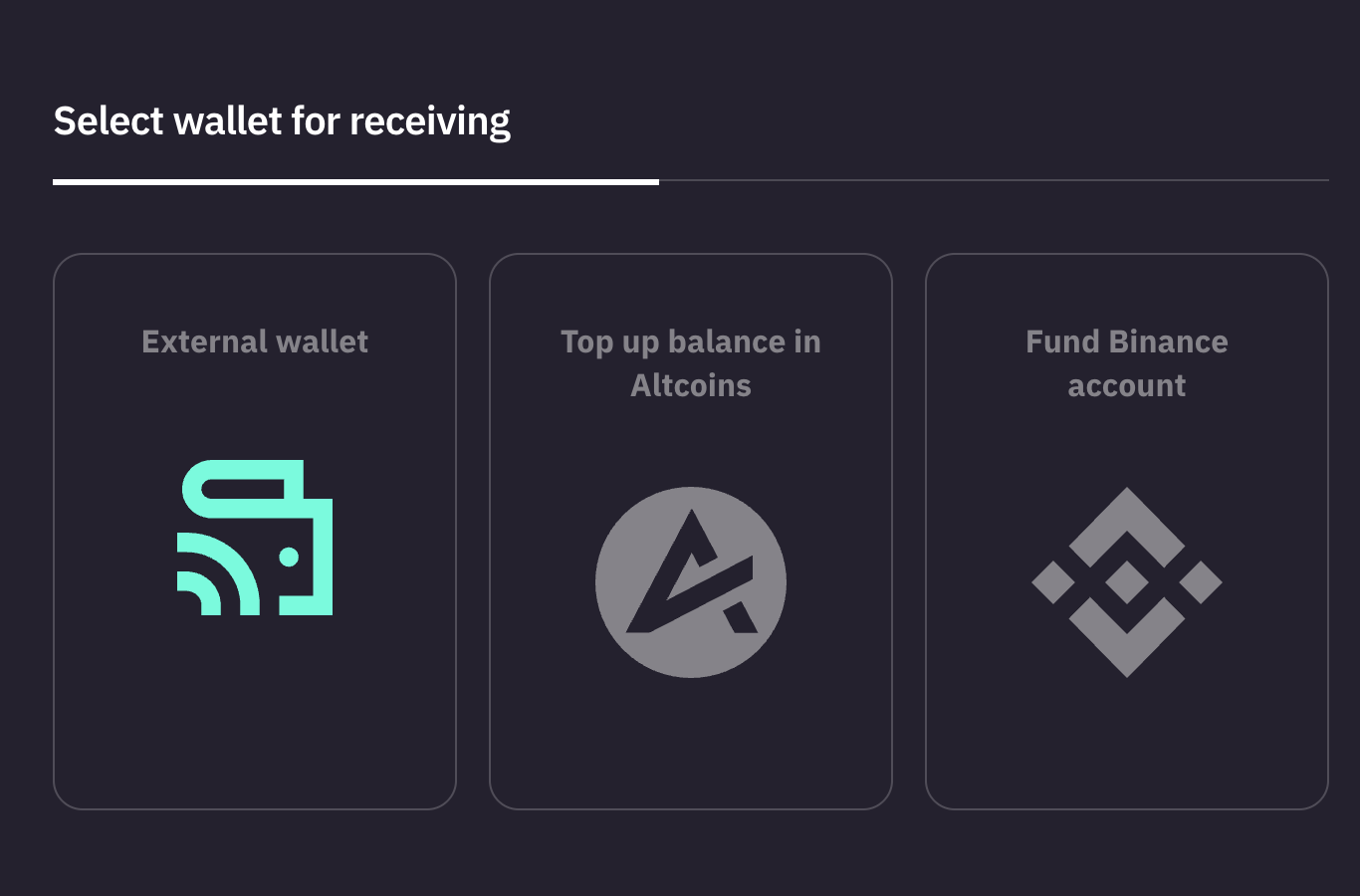
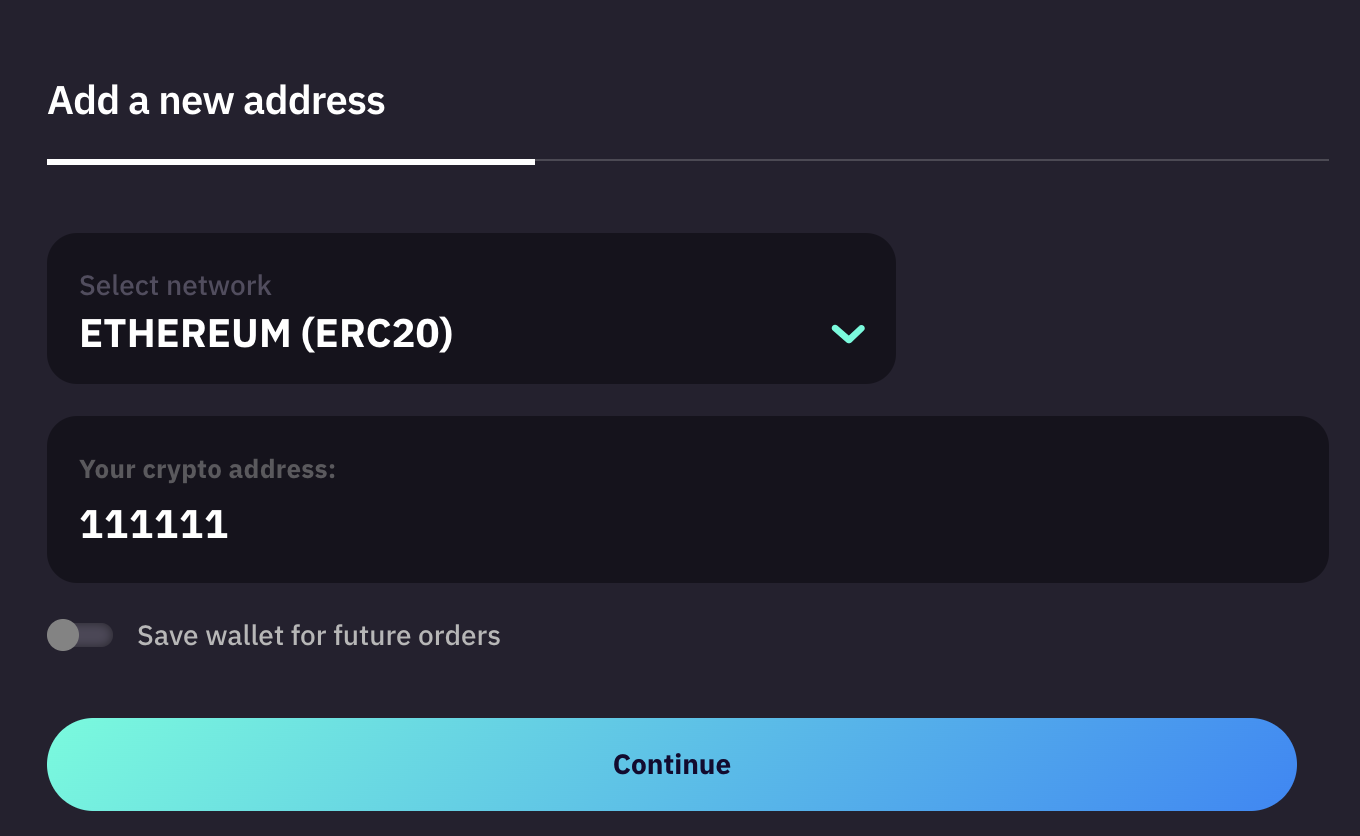
Your Crypto Address
Here, you can provide an address from your own wallet or one on an exchange and select your preferred network. If you don’t have a wallet yet, you can create one in Exodus or search Google for other options.
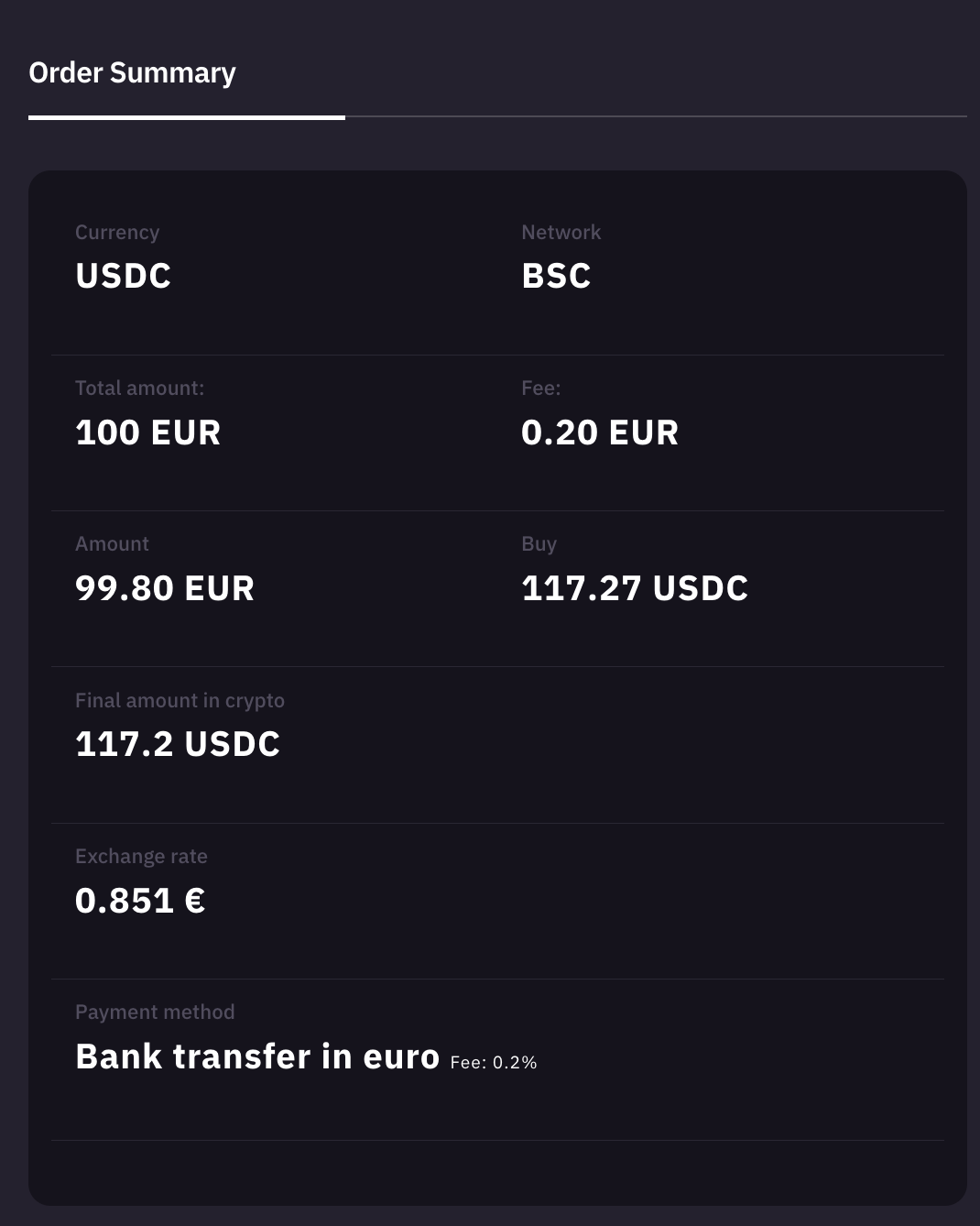
Verify Information
A new window will open where you need to review the information you entered.

Confirm the Order
If everything is entered correctly, check the two boxes to agree to the website’s terms of use and to allow us to recalculate your order based on the moment we receive the funds in our account. Both fields are mandatory, and we cannot proceed without your agreement.
Complete the Order
Finalize the order by clicking Confirm.
A small clarification regarding price recalculation: As stated in our General Terms, the order is considered placed at the moment we receive confirmation of your payment from the institution you selected for your payment to us. Our site receives many orders daily, not all of which are paid. For this reason, we cannot pre-purchase currency from international exchanges for every order. This requires us to update the price at the moment we are certain the order will be paid, which naturally happens when we receive the payment.
Finalize the Order
Upon successfully completing the order, a window will load displaying your order number, your details, and instructions on how to pay for it.
Once we receive confirmation of your payment, which happens automatically, our system processes your order, and the coins are sent to the wallet you provided in the request.
When we finalize your order, you’ll receive a confirmation email. This means we’ve sent the coins to your wallet, and you should see them within about 15 minutes. That’s it!
Read More: How to Sell Cryptocurrency with Altcoins.bg?